Skip to content

State-Based Productivity

Your to-do list only knows two states. Your work has five.

Nyblit files every task by its real state, so today's list holds only what you can actually start.

Download on the App StoreFree to try · iPhone, iPad and Mac
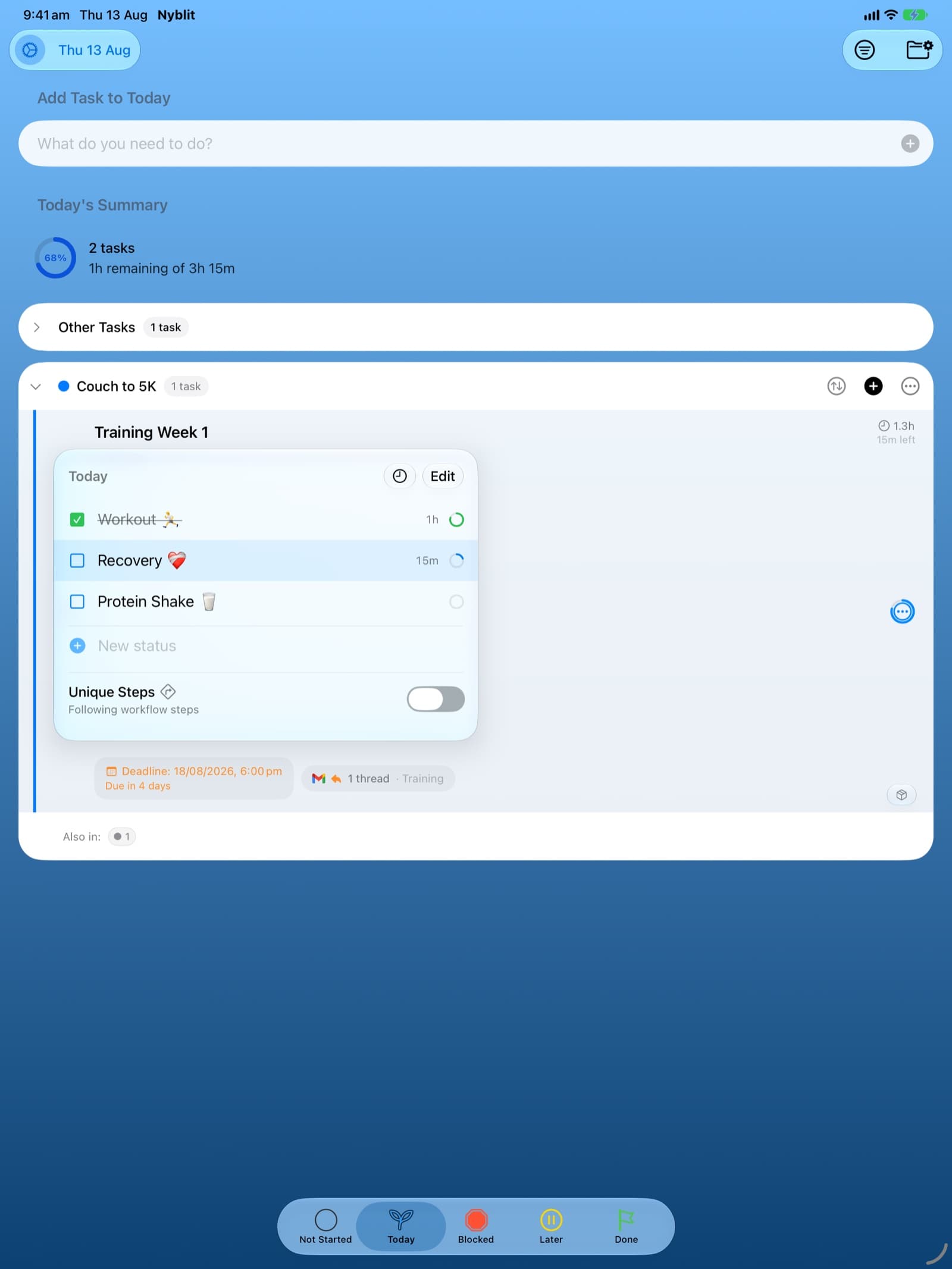
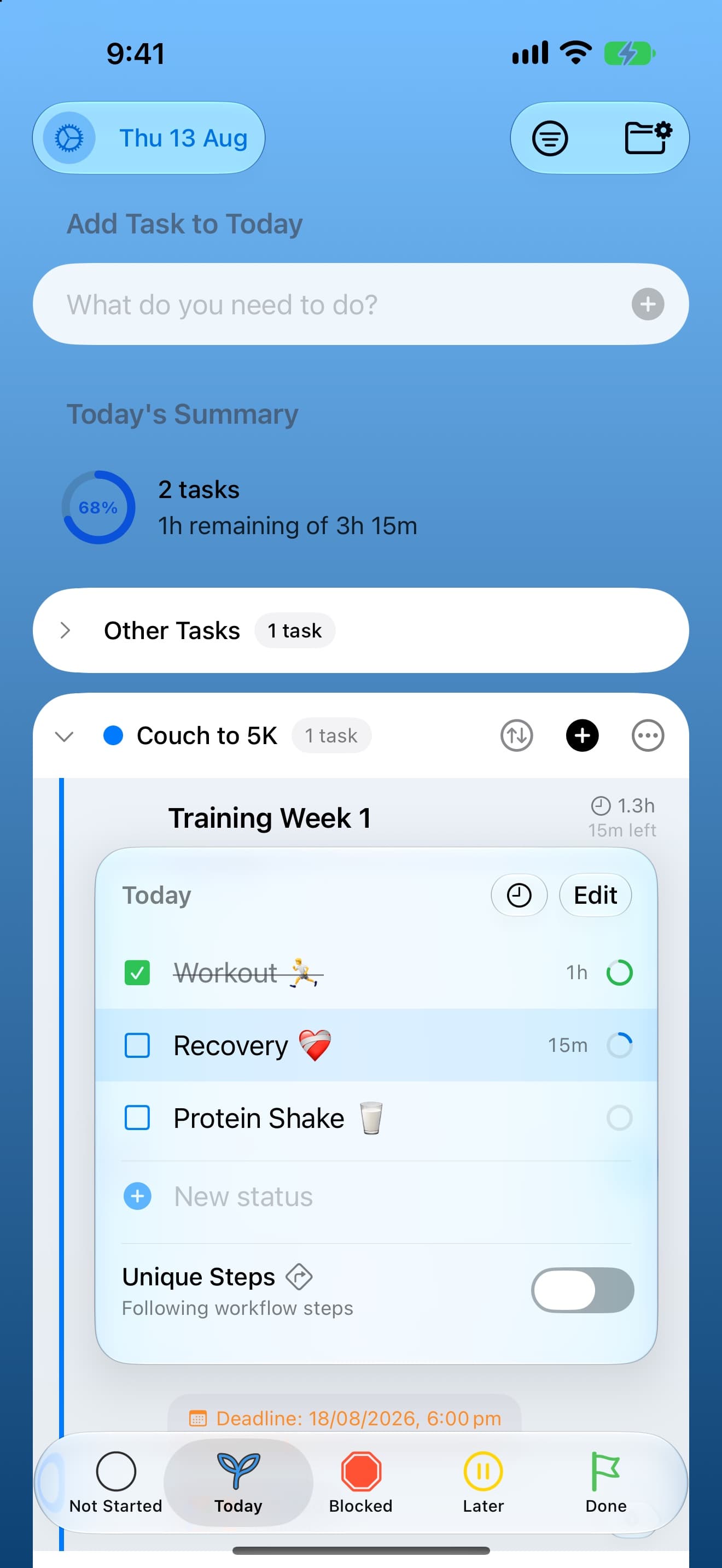
Nyblit's Today list on iPhone, tinted blue, showing Today's Summary and a task broken into steps.
5,000+
Downloads worldwide
4.8
Average App Store rating
24
Languages
5
Countries where it ranks top

The problem

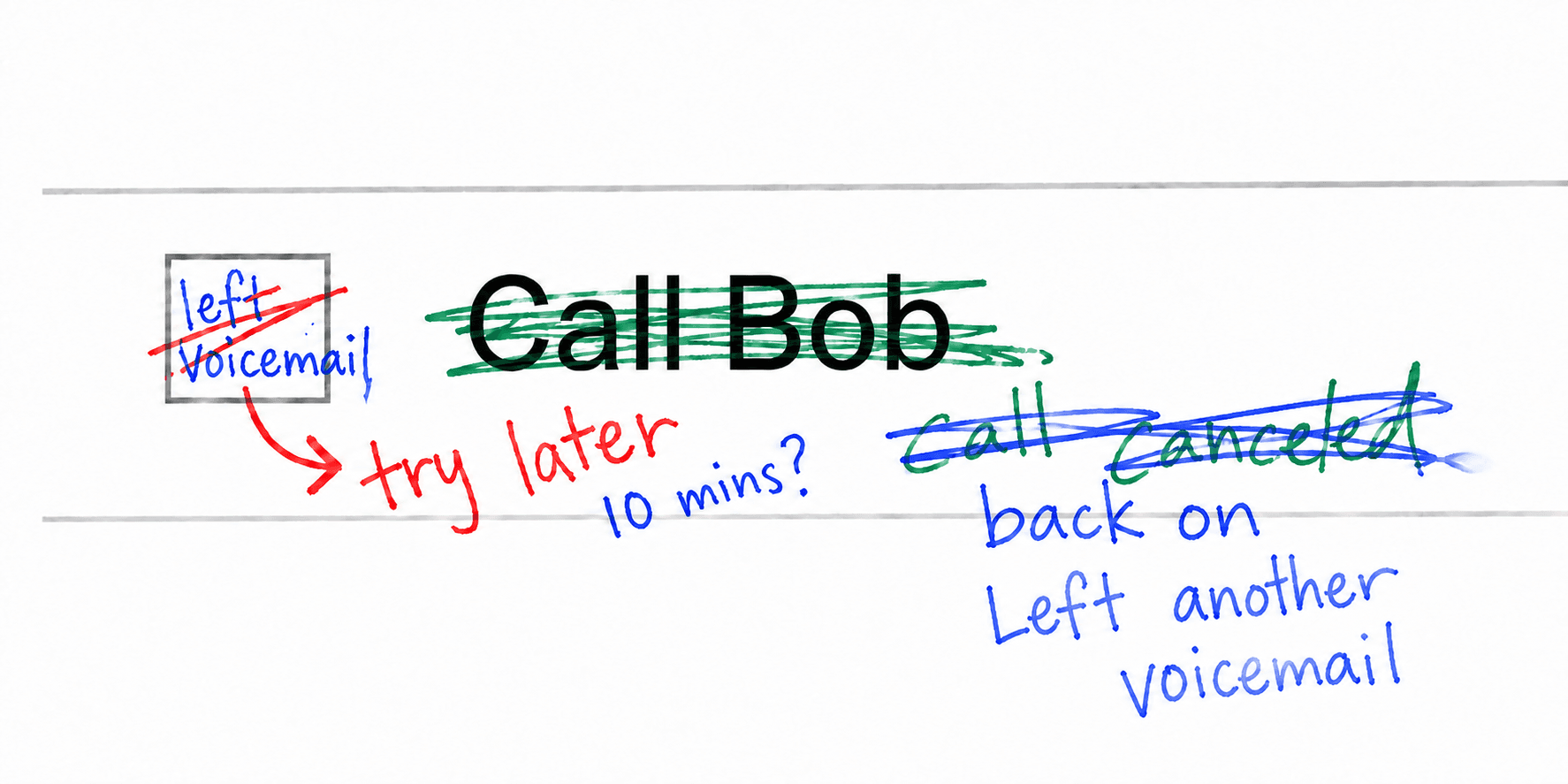
The task said Call Bob. You left a voicemail. Now you're waiting for him to call you back.

But what does the checkbox say?

It says unfinished. Same as the tax return you have been avoiding, same as the thing you cannot start until Tuesday, same as everything else you have not got round to.

But that task is not unfinished in any useful sense. It is waiting on Bob. There is nothing for you to do until he rings back, and no checkbox has ever been able to say so.

So it sits there, quietly implying failure, and you scroll past it. Do that often enough and the list stops meaning anything at all.

A hand-drawn to-do entry reading Call Bob, struck through in green, with left voicemail scribbled in its checkbox and call back in 10 crossed out beneath.

Dispositions

Five places a task can be.

Not Started

Captured, undecided.

You have written it down and nothing more. No date, no promise, no guilt. This is the inbox, and it is the only list allowed to be long.

Today

Genuinely actionable, right now.

Work you could pick up this minute. Nothing sits here that you are unable to start, which is what makes it worth opening in the morning.

Blocked

Waiting on someone else.

A part on order, a client's approval, a callback that has not come. The task keeps the reason it stopped, so you always know exactly who or what you are waiting on.

Later

Postponed on purpose.

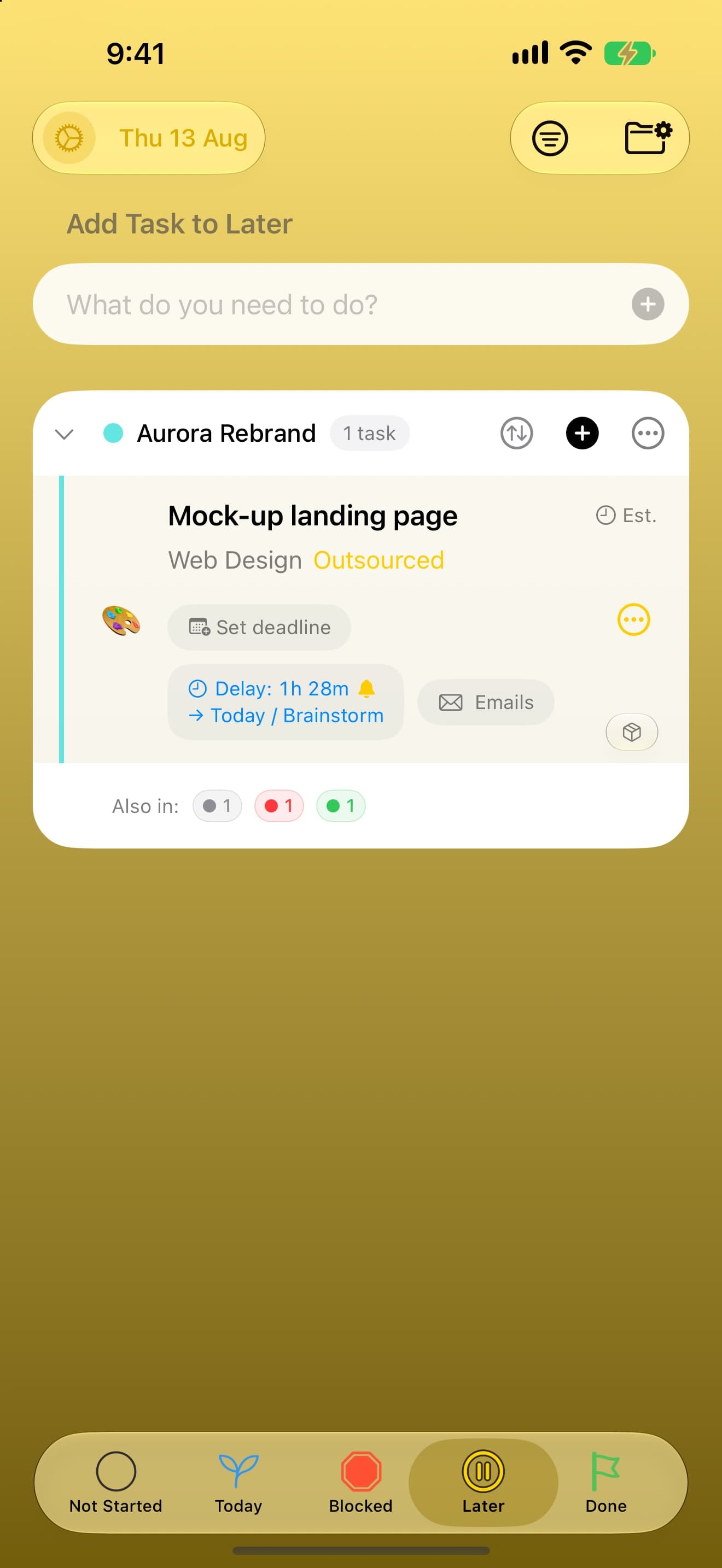
Ten minutes from now or next year. Give it a time and it takes itself off today's list, then brings itself back when the moment arrives.

Done

Closed, however it closed.

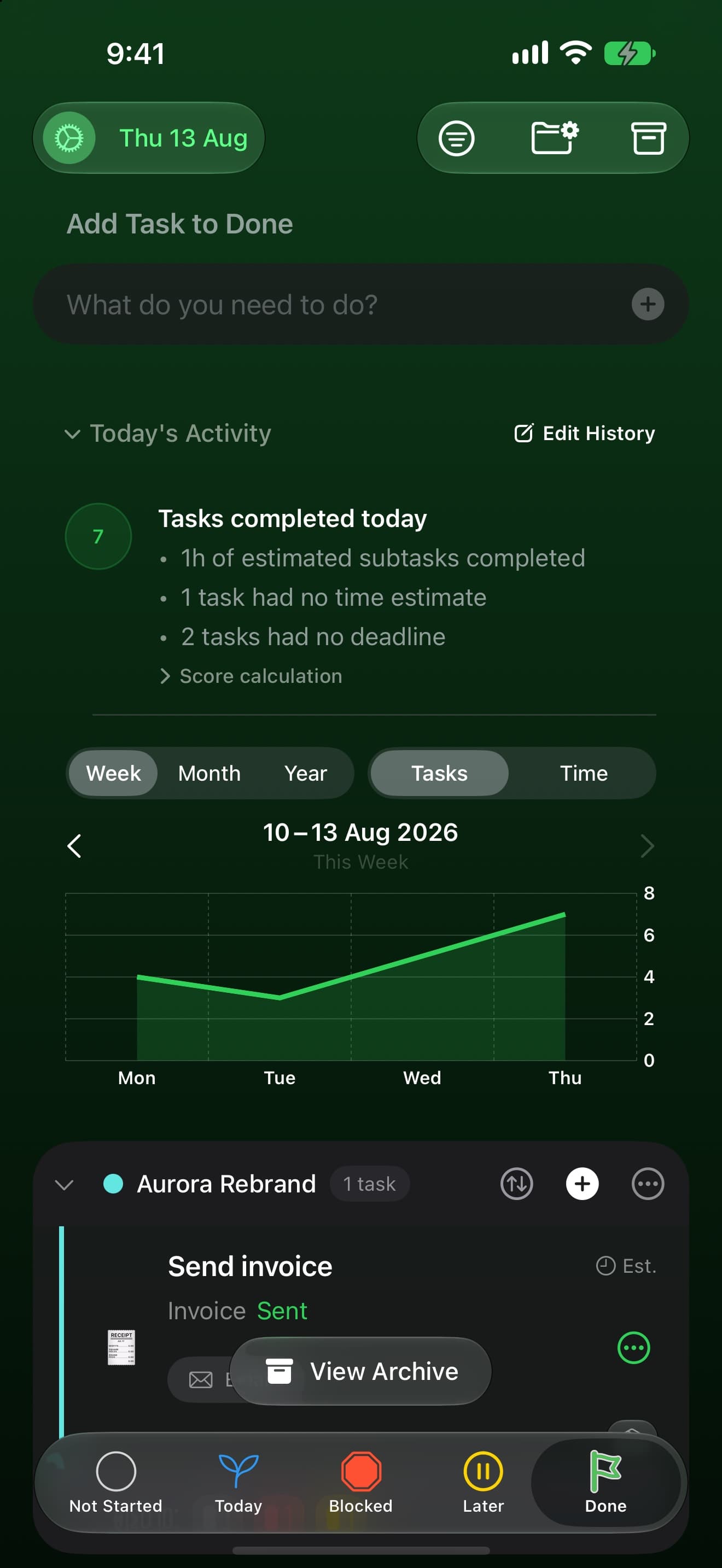
Completed, cancelled, handed to someone else for good, or simply no longer needed. All four are finished, and finished is worth recording.

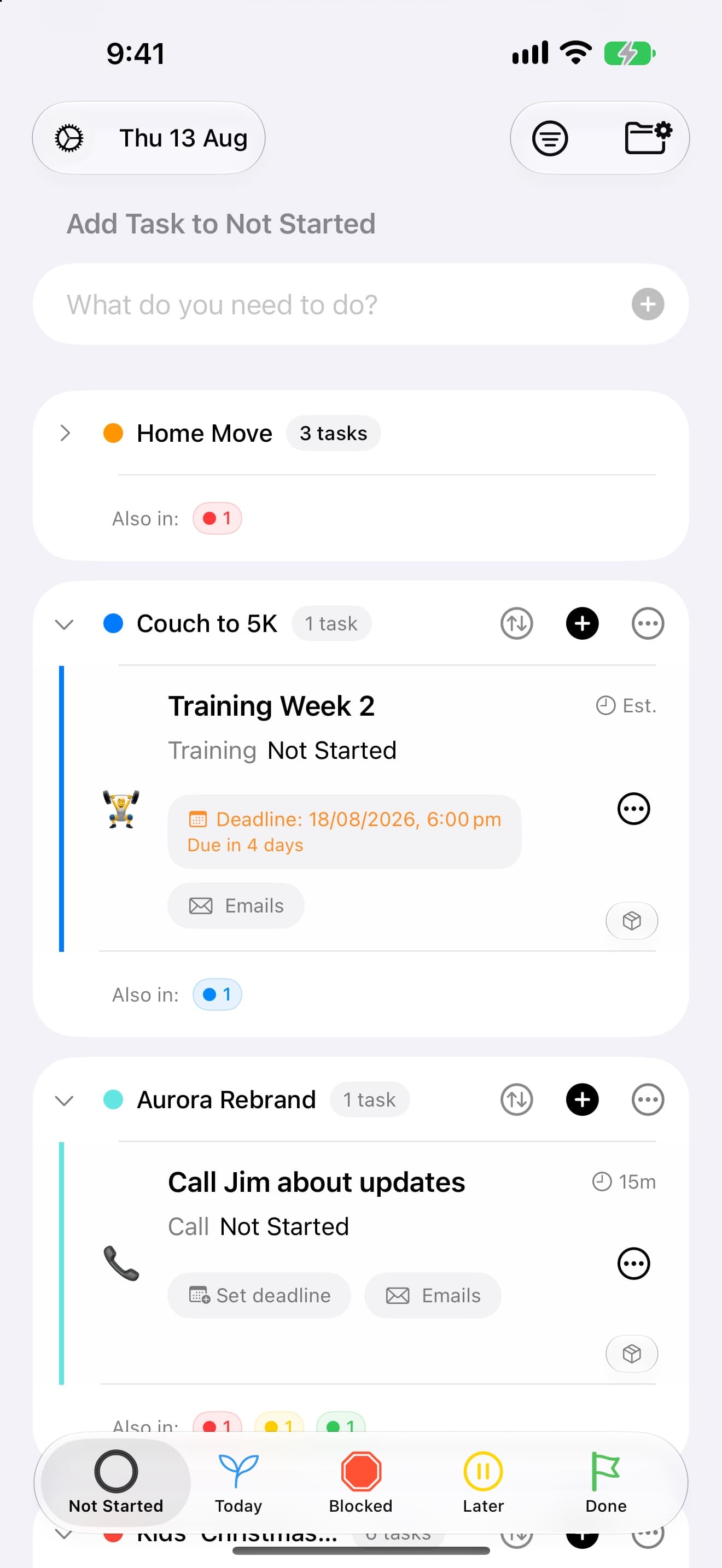
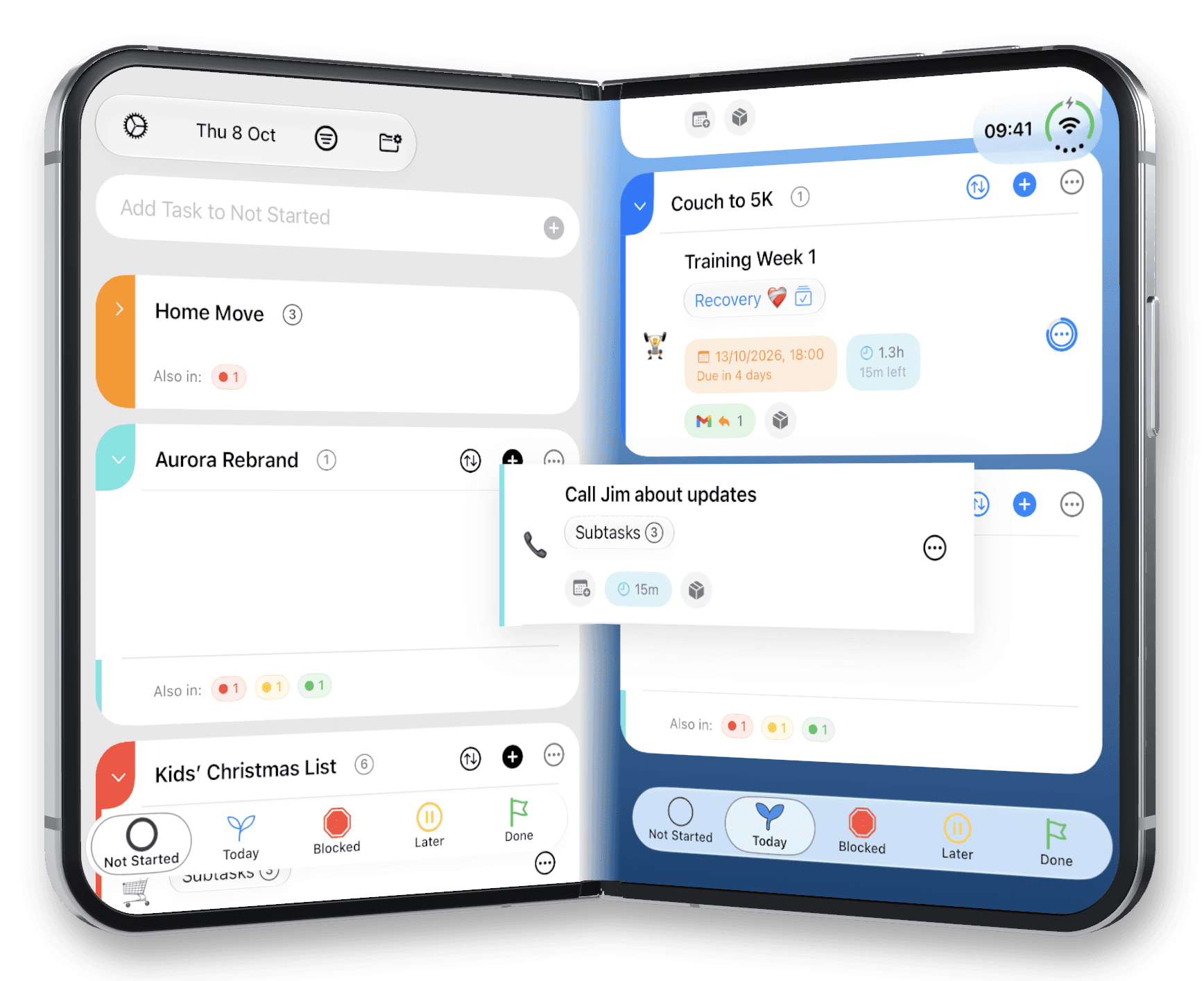
Nyblit's Not Started list on iPhone, grouped by project.Nyblit's Today list on iPhone, tinted blue, showing Today's Summary and a task broken into steps.Nyblit's Blocked list on iPhone, tinted red, showing tasks held at Left voicemail and Awaiting payment.Nyblit's Later list on iPhone, tinted yellow, showing a task delayed with a scheduled return.Nyblit's Done list on iPhone, tinted green, showing tasks completed today and a weekly chart.
Showing Not Started

The distinction that does the work

Blocked and Later look identical on a checkbox. They are opposites.

Blocked

The restoration is waiting on a mainspring. The proposal is waiting on a signature. You have done your part and the next move belongs to somebody else.

You are waiting on the world.

Later

It starts Tuesday. The renewal is due in March. Nothing is stuck, you have simply decided that today is not the day.

You chose to wait.

Both leave today's list, which is why the difference is easy to miss. It matters because it decides what happens next: blocked work needs chasing, later work only needs to come back at the right time. One is a follow-up. The other is a calendar entry. Filed together, they are neither.

See it work

A one minute glimpse.

Nyblit has a host of powerful features built around its core State-Based Productivity framework. Our goal is simple. Make Nyblit the last to-do app you ever download.

Nyblit is native on every Apple platform it runs on, so it stays quick with hundreds of tasks and syncs through your own iCloud without an account.

Workflows

Lay the track once.

A train on rails does not pick a route at every junction. The route was laid in advance, so the only live question is how far along it has come.

A workflow is the process behind a kind of task. Phone Call. Bank Transfer. Car Repair. You decide the steps once, and after that you are never deciding the process again, only recording where you are in it.

Prepare for call Notes to hand, number found
3 min
Make call The actual work
10 min
Record notes What was agreed, what happens next
5 min
Left voicemail Moves to Blocked, progress intact
held
Nyblit's Later list on iPhone, tinted yellow, showing a task delayed with a scheduled return.

Not a Kanban board

With Kanban you add a task to a workflow. With Nyblit you apply a workflow to a task.

Kanban gives every process its own board, and where a task sits on that board becomes the main fact about it. Boards multiply, and soon you are maintaining the boards instead of doing the work.

Nyblit inverts it. One shared set of states, with the process riding along inside each task. A phone call, an online order and a car repair sit in the same view, each following completely different steps. Want the single-process view? Filter for it. It is still there, it is just not the thing you are forced to look at first.

Nyblit on a MacBook showing the Today list with Today's Summary.

Designed with ADHD in mind

A delay is an outcome, not a failure.

A long, undifferentiated list presents everything as equally urgent, even when most of it cannot be touched today. That works against attention, prioritisation and follow-through all at once, and the avoidance it produces gets misread as laziness by everybody, including the person doing the avoiding.

It separates what you can do from what you cannot. Today holds only genuinely actionable work, so what you open is the next available action rather than a wall of obligations.

It makes vague tasks concrete. "Call the client" becomes prepare, call, record. Each finished step is visible progress instead of an unchanged tick box.

It treats stalling as an action. When work stops, the task moves, carrying its reason with it, and today's list gets shorter. Filing a stalled task correctly is something you did, not something you failed to do.

People with ADHD write in most weeks to say it is the first productivity app that has ever actually worked for them.

Read the full framework

Where it came from

It started on a watchmaker's bench.

A watch restoration is rarely done or not done. It is awaiting a component, held until the client approves the work, paused mid-operation, or ready for the bench today. Treating all four as unfinished gives you a list that is technically accurate and practically useless.

David Margolis built the first version as a FileMaker database in 2004 and shared it with a few friends. Twenty years later, and after teaching himself to write software, it is Nyblit.

David MargolisWatch restorer and independent developer, West London
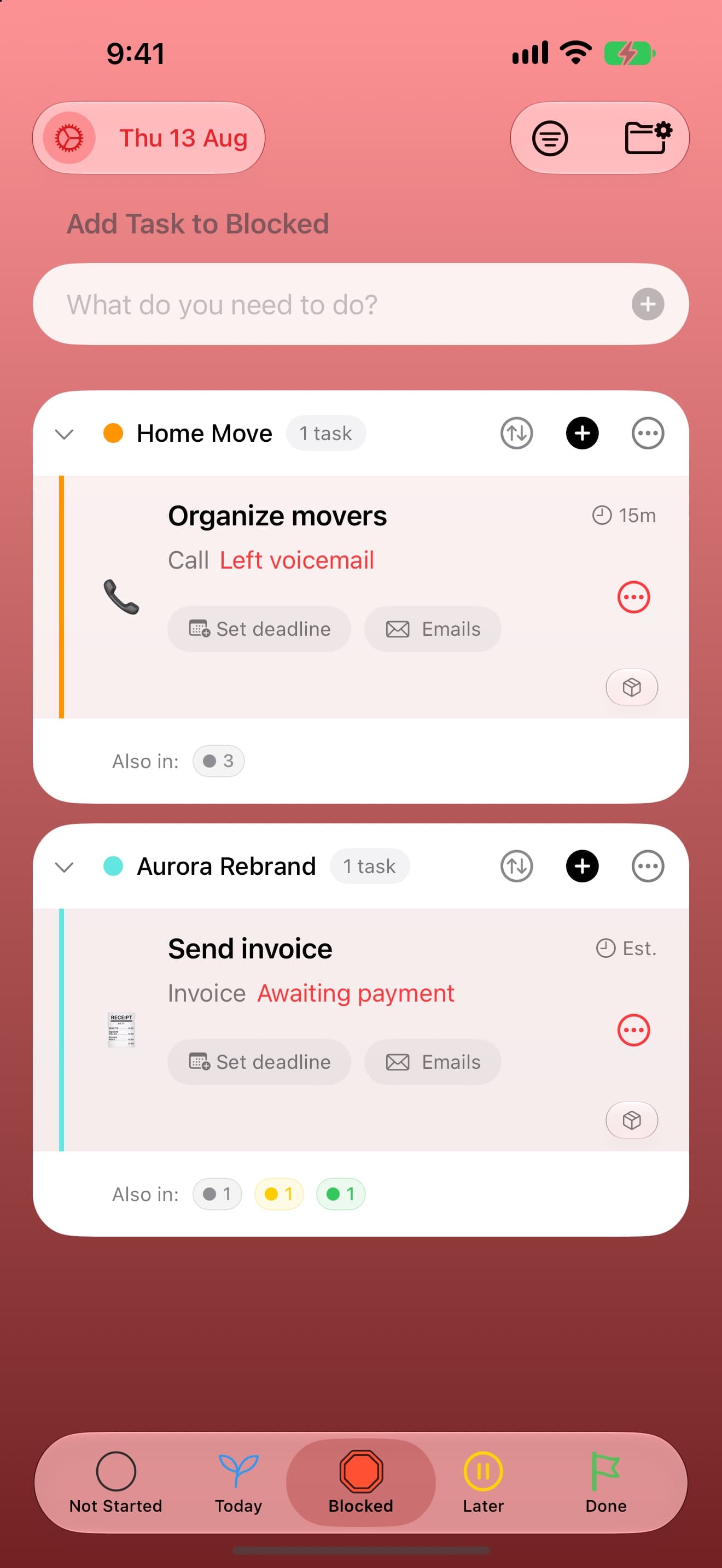
Nyblit's Blocked list on iPhone, tinted red, showing tasks held at Left voicemail and Awaiting payment.

Every screen

The same five places, wherever you are.

Native on iPhone, iPad and Mac, not a website in a wrapper. It stays quick with thousands of tasks and syncs through your own iCloud, with no account to create.

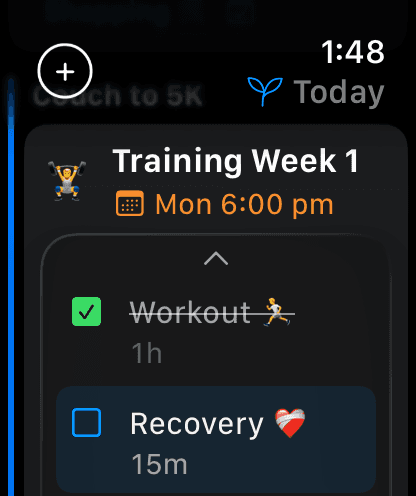
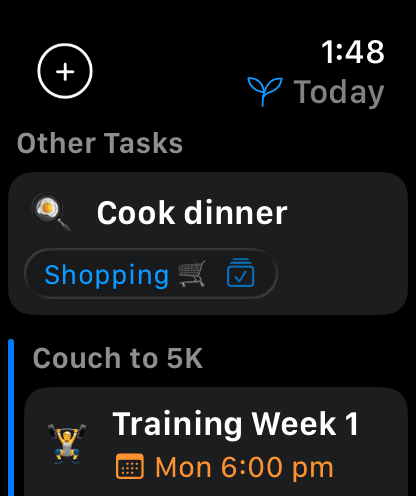
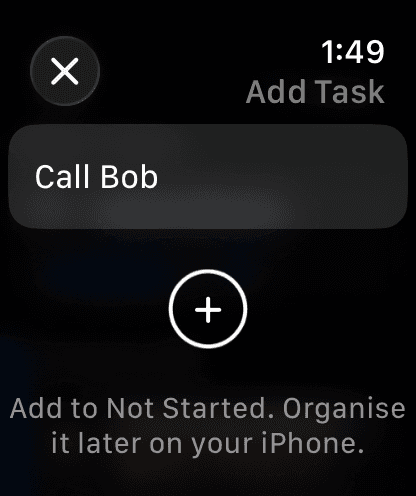
An Apple Watch app is on the way.

Nyblit on iPad Pro showing the Today list beside Today's Summary.
Nyblit's Blocked list on iPhone, tinted red, showing tasks held at Left voicemail and Awaiting payment.

Because productivity is not a box-ticking exercise.

iPhoneiPadMacApple Watch (coming soon)Syncs over iCloud24 languages